
If you have LiteSpeed Cache plugin activated on your WordPress site, you will need to toggle Cache REST API option to off or exclude Attenta Messages REST API from the cache.
On LiteSpeed Cache Settings, switch to Excludes tab, then add the following in Do Not Cache URIs field:
^/wp-json/messages-admin-attenta/v1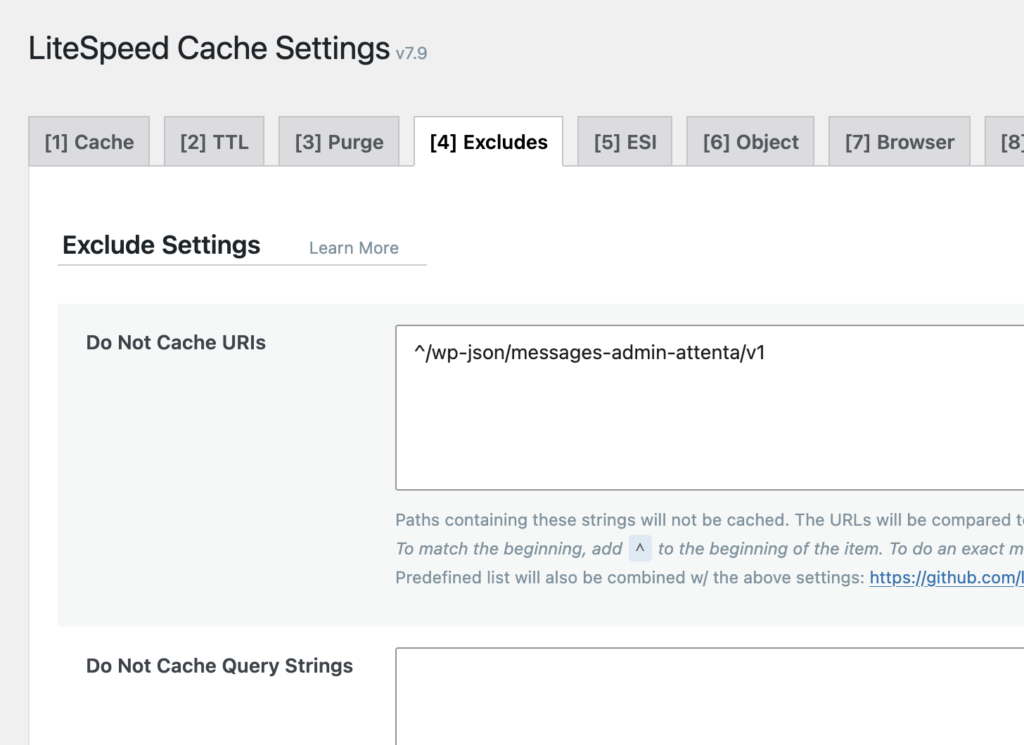
Note: if you have changed your API prefix, replace wp-json with your own API prefix.